
How to correct your posture: common mistakes and fixes
In this article and video featuring Andrew Wilson, a practising Osteopath and Ergonomist, we show you how to correct your posture by demonstrating common postural mistakes and how to avoid them.
Give it a go. Why wouldn't you want to be more focused, productive and healthy while working?
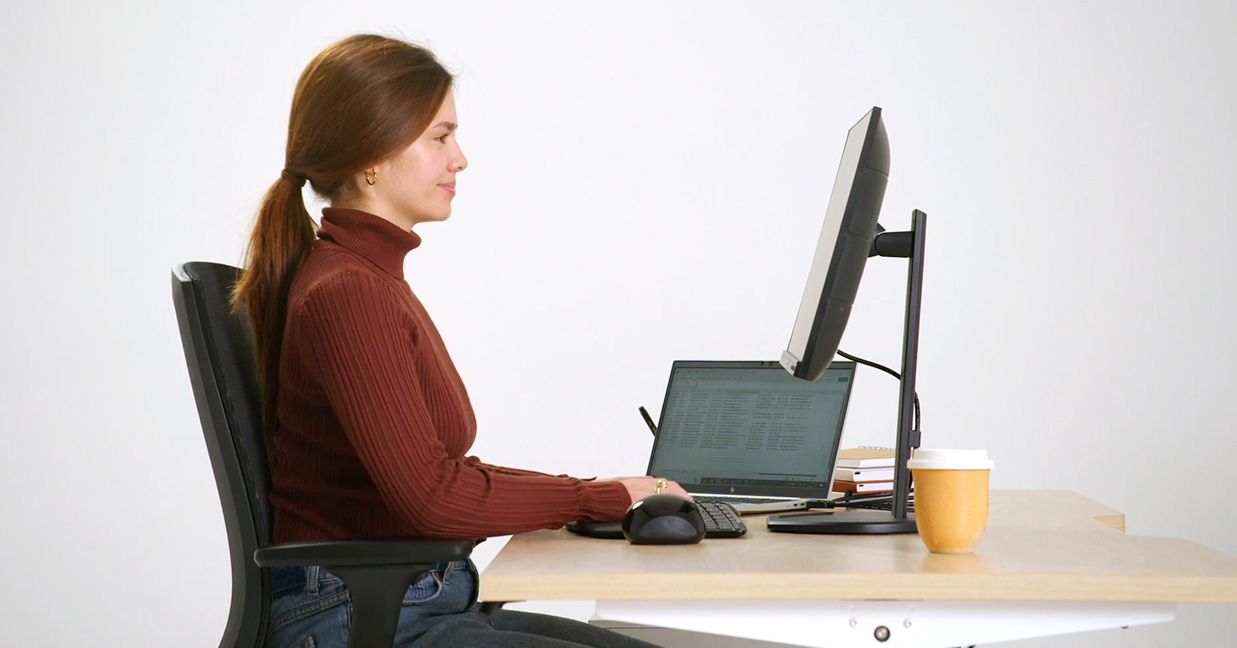
For those of us who work on computers, no doubt at some point we’ve experienced the aches and pains that come from having poor posture. We’ve created a simple video, to show you how to correct your posture, by demonstrating common postural mistakes and how to avoid them.
After all, your ergonomic chair is only as good as how you adjust it, and how you set up your workstation. Learn these simple adjustments to be more focused, productive and healthy while working.
In our ‘Common Postural Mistakes and Fixes’ video, Andrew Wilson demonstrates common postural mistakes when working on a computer and how to avoid them.
Posture mistake #1:
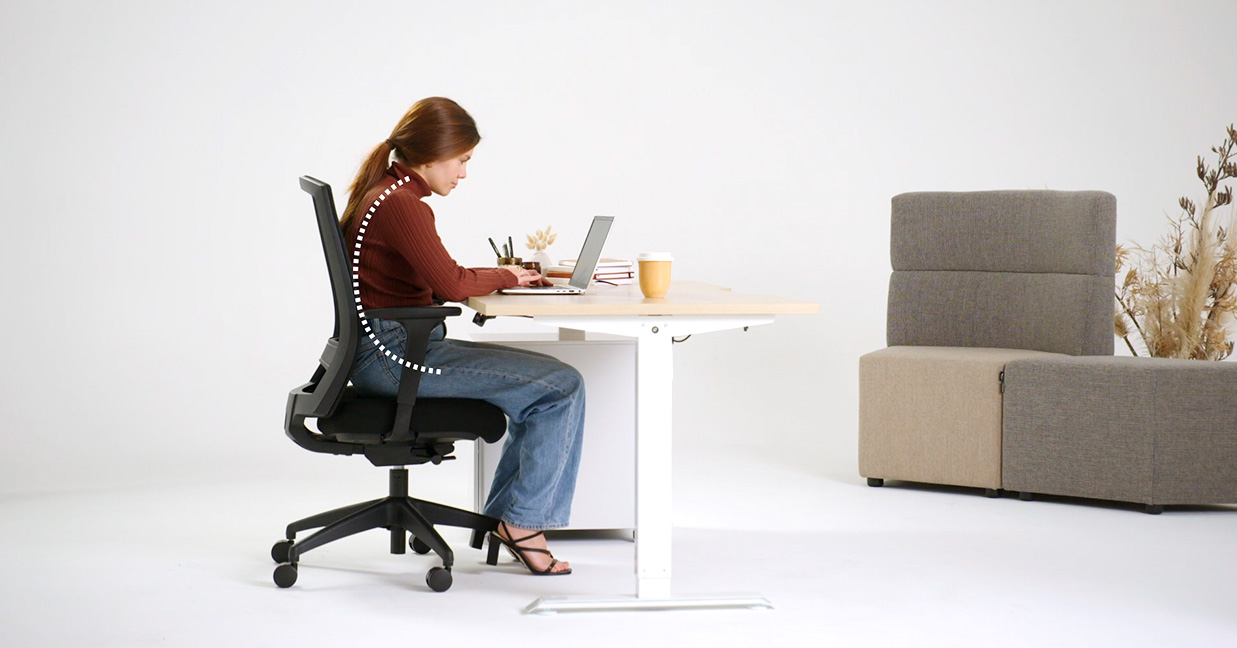
Sitting too low so the knees are higher than hips
This tilts the pelvis backwards and puts the spine into a C curve slouch, compressing the spinal discs. It is a recipe for developing back problems.
The solution
Raise the seat, so that the hips are higher than the knees, with a forward slope on the thighs.
Posture mistake #2:
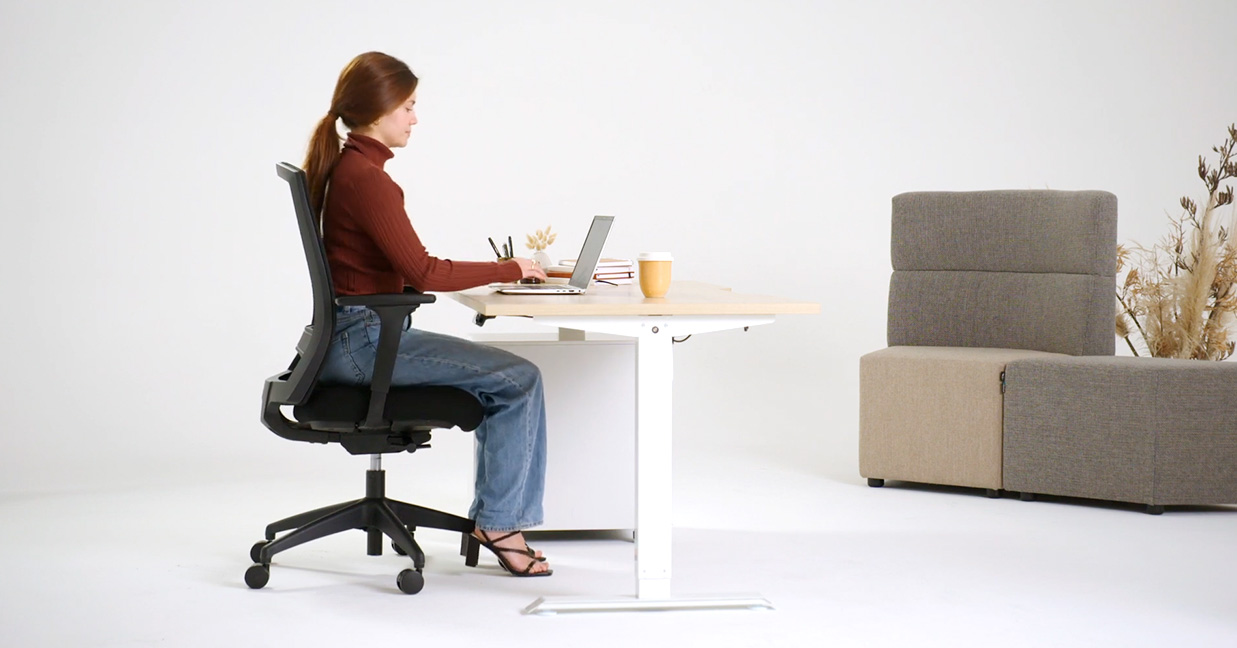
Having your screen too low
This tilts the head and neck forward with the rest of the spine following into a slouched posture. This can cause neck and back problems.
The solution
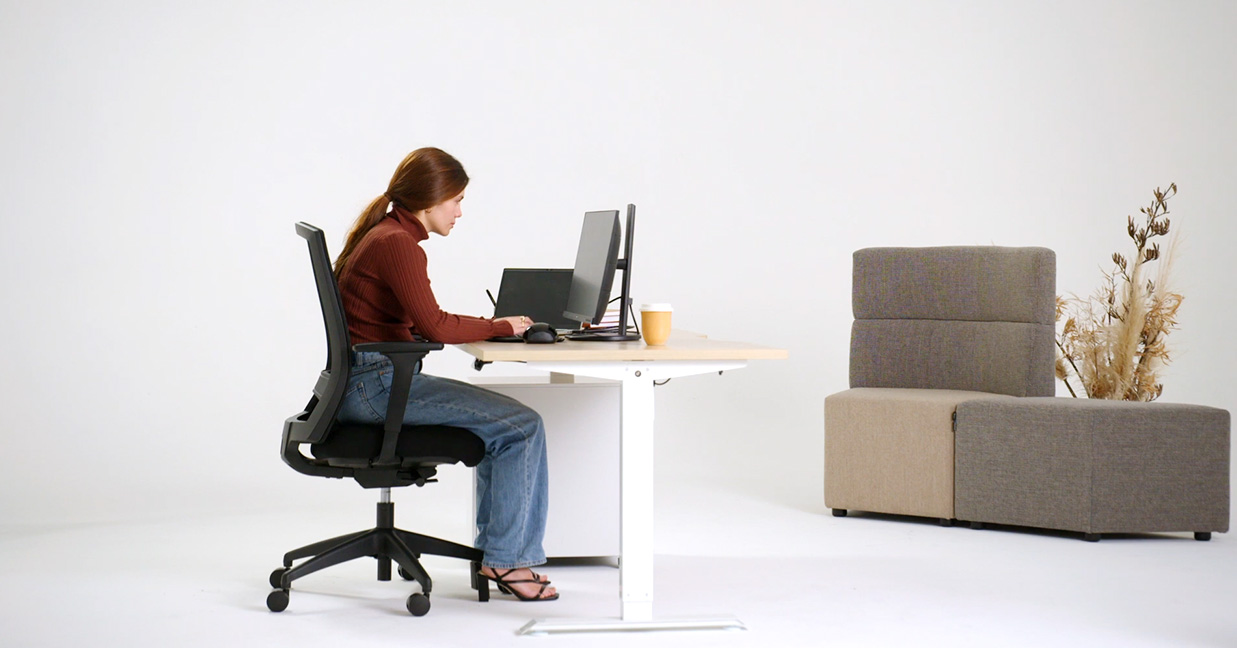
- Raise the screen to eye level, so that your head and neck are erect, and your spine is supported by the contours of the chair. This may require raising your monitor.
- Aim to have the toolbars at eye level.
- You can also use a laptop riser with an external keyboard and mouse.
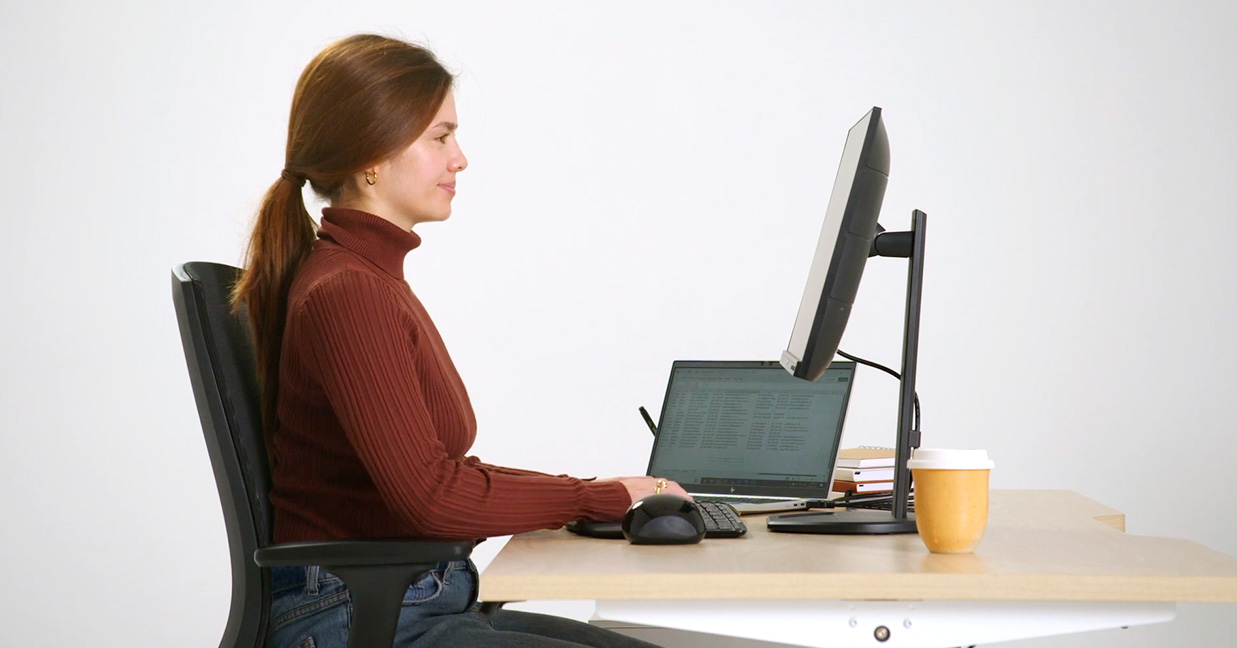
Posture mistake #3:
Leaning too far back on the backrest while working
This requires the neck to crane forward and the arms to over-reach to the desk. It creates a stress point at the neck and shoulders and leads to poor posture and neck and shoulder tension.
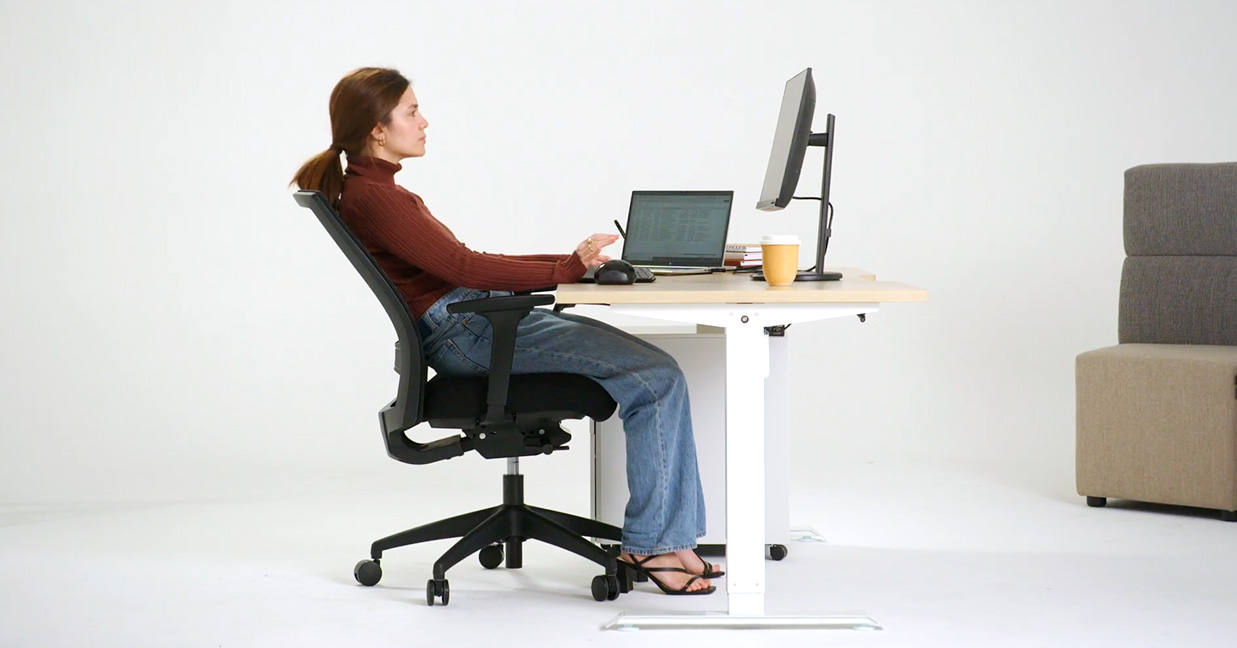
The solution
The backrest should be tilted only slightly backward (5-10 degrees) to take the weight of your spine while allowing you to sit close to the desk.
More reclined postures can be used in meetings and while on the phone or a video call.
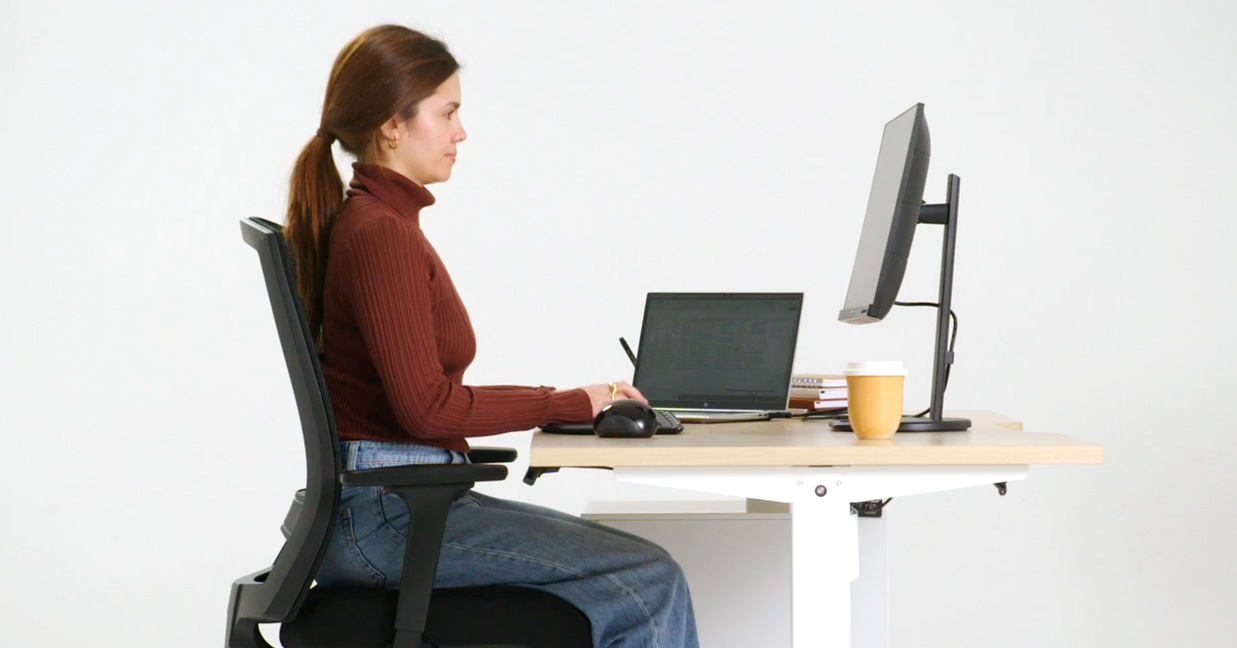
Posture mistake #4:
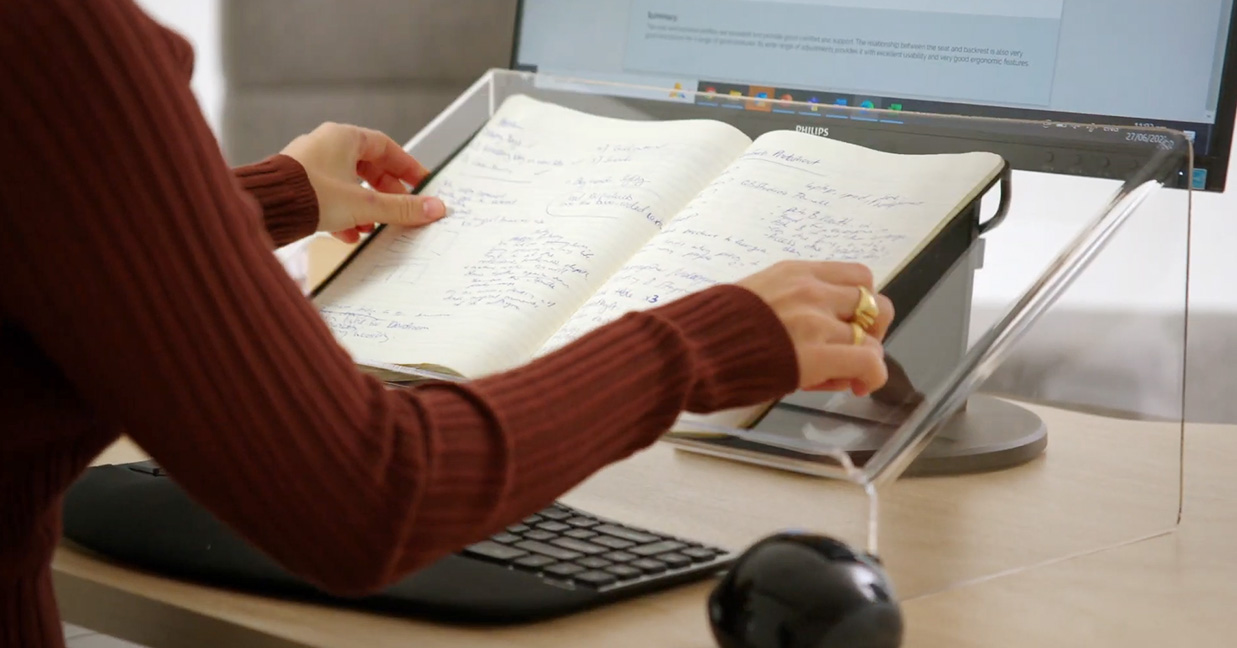
Not using a document holder
If you are constantly bending and twisting your neck to look at documents, you will soon develop neck problems and headaches.
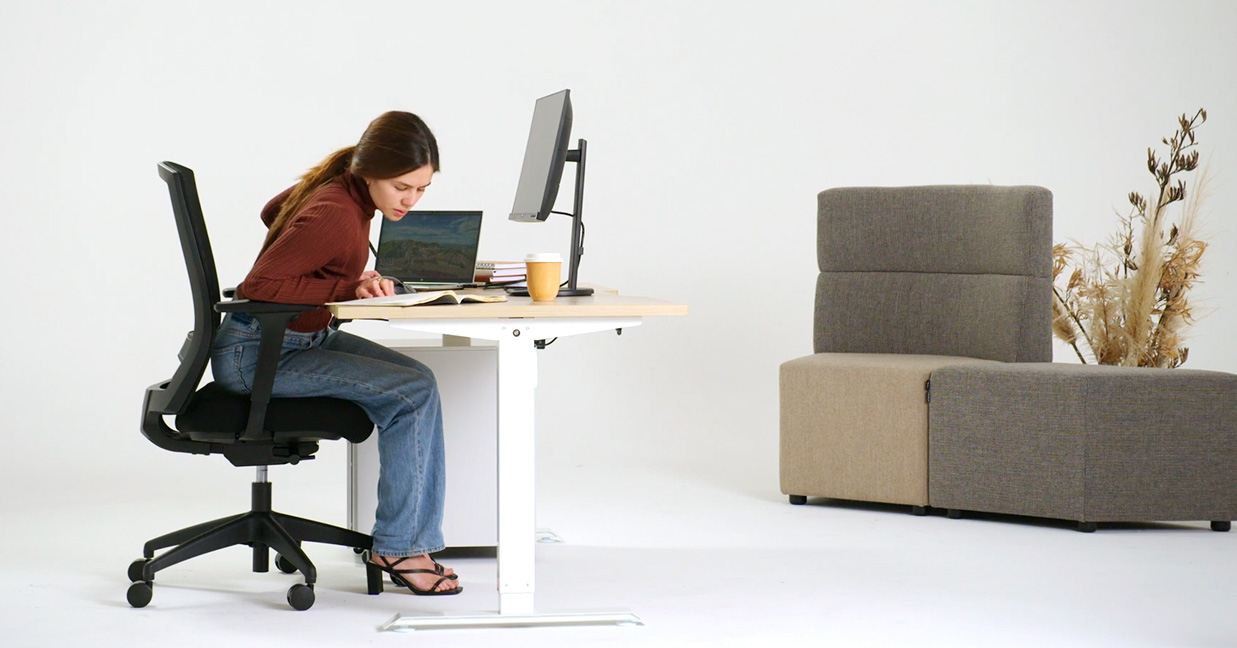
The solution
Place your documents on a centrally located copyholder.
Posture mistake #5:
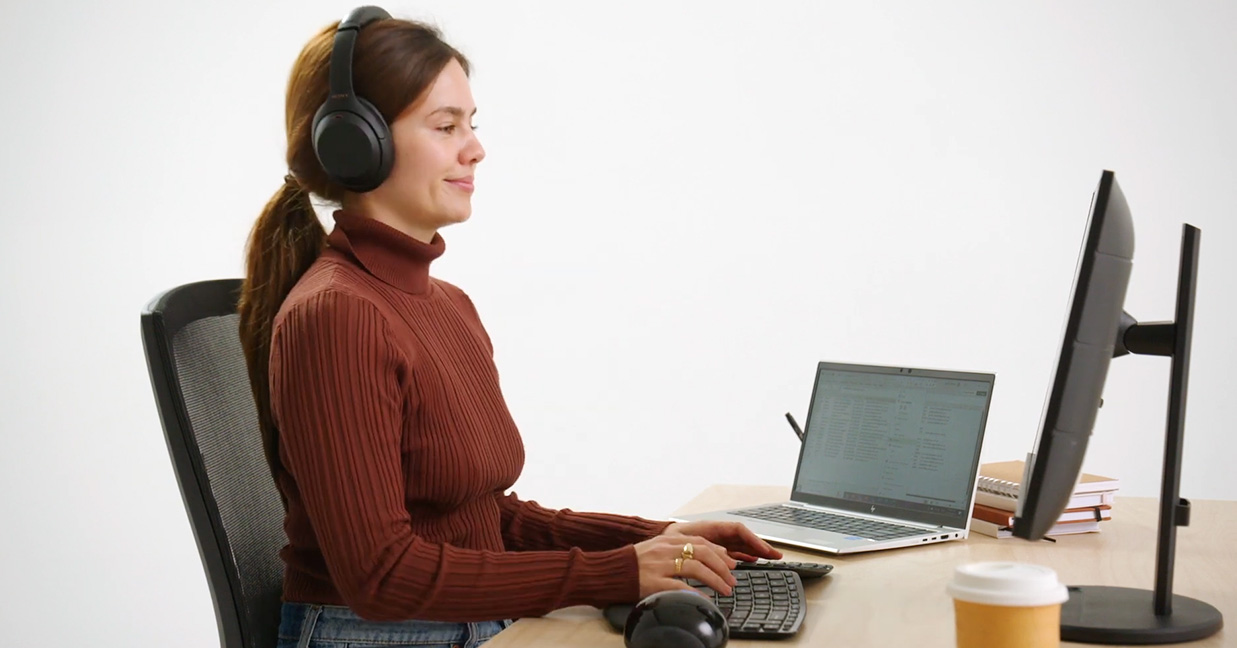
Not using a phone headset
This causes neck and shoulder stress and can lead to work inefficiency.

The solution
Use a telephone headset, headphones or switch to speakerphone. A cordless headset allows for better mobility.
Posture mistake #6:
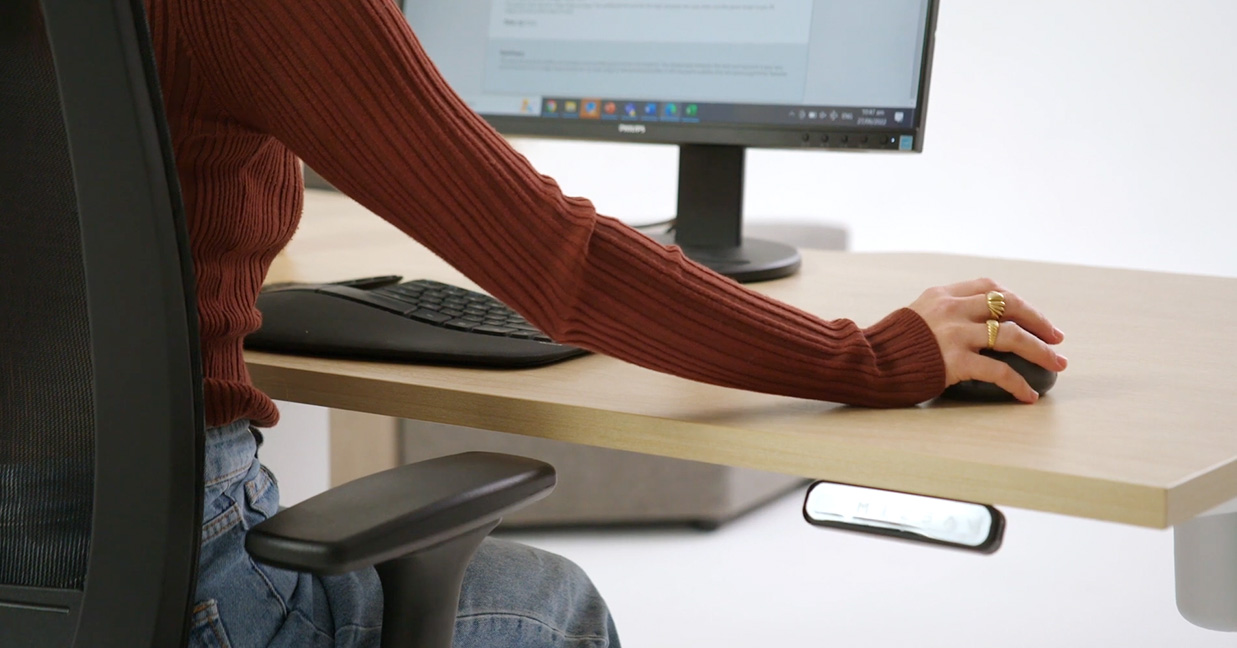
Over-reaching to the mouse
This is a very common cause of neck, shoulder, and forearm pain. The relatively small shoulder muscles are not designed to support the weight of the outstretched arm for long periods, they quickly become fatigued.
The solution
Keep the shoulder and arm tucked alongside the body. You could consider extra forearm support such as adjustable chair arms. You could also consider a small footprint keyboard or using the mouse with the left hand.
Posture mistake #7:
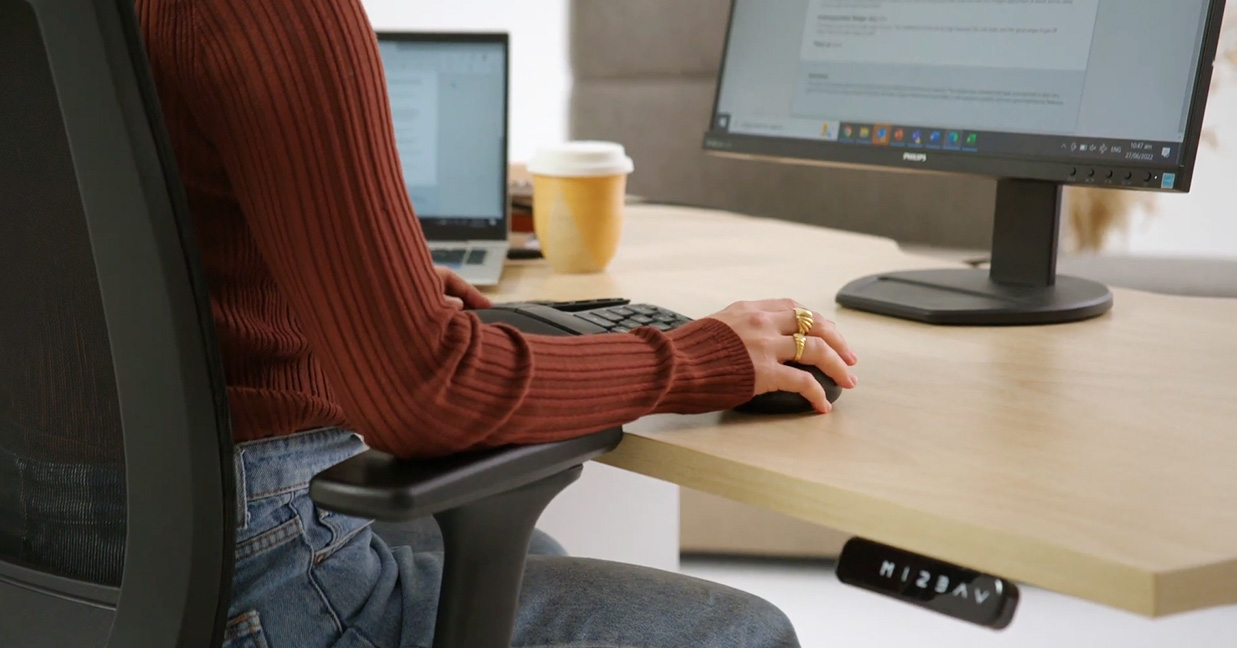
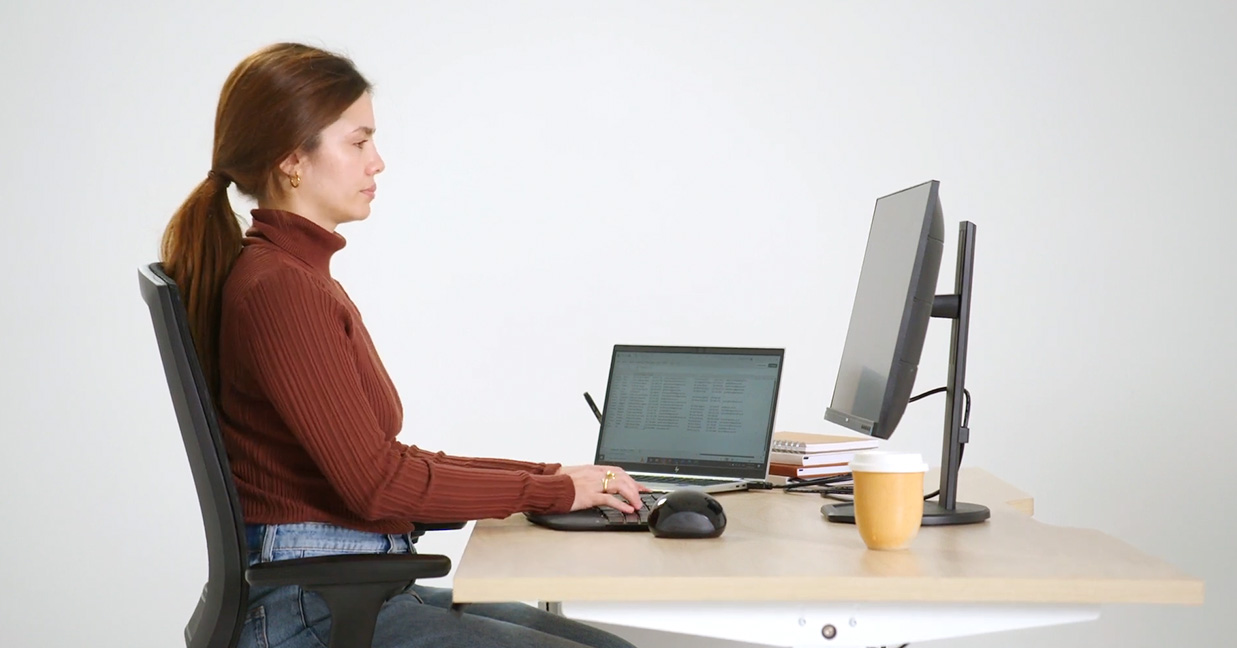
Having your desk height too high or too low
This can make it difficult to get good forearm support.
- If the desk height is too low it can lead to poor shoulder, elbow, and wrist angles, creating joint stress and tension.
- If the desk height is too high it can create extra neck and shoulder tension.
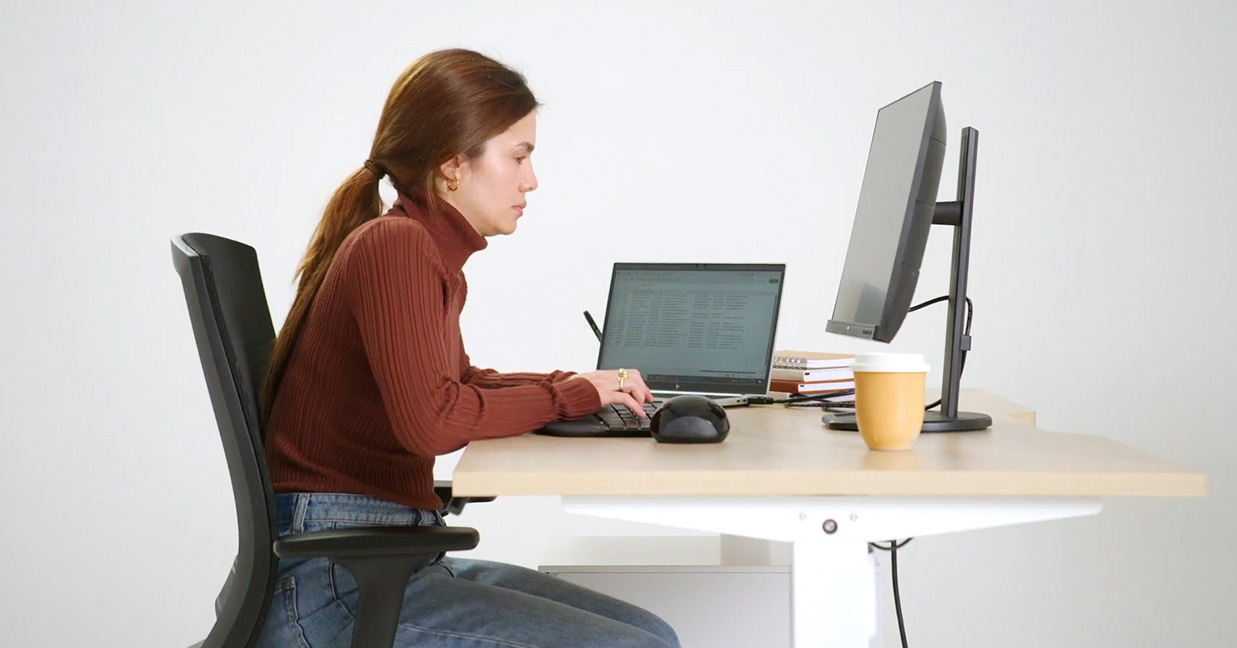
The solution
Have your desk at elbow height with your forearms parallel to the floor.
Keen to learn more?
Watch our other ergonomic videos: What is Ergonomics, How to Set Up an Ergonomic Workstation and How to Ergonomically Assess Office Chairs.
Thank you to Buro Seating for the original article